Target Group: MPSP potential applicants
Learning Objectives: International, potential applicants can have insights regarding the research topics and laboratories within the framework of the Max Planck School of Photonics (MPSP)
Overview
This project is for the students, who have a strong interest in studies at Max Planck School of Photonics. Although global applicants could have the images to understand the research topic but they do not have a chance to step into the laboratories to see the setups and equipment.
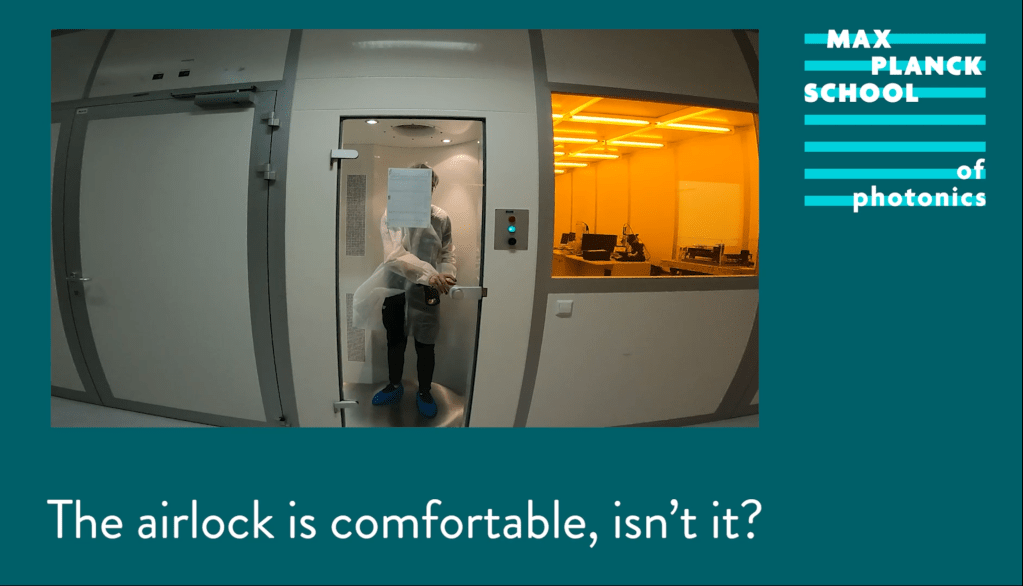
Our office leader had the idea of attracting more applicants to the school by the use of a game, consisting of multiple 360-degree images with interviews and GoPro-videos following gamification for the best demonstration of the lab environments and students’ research topics.
Please watch the following demonstration to have the first idea.
Drafting Process
Articulate Storyline released the new functionality regarding 360-degree images in 2021. Therefore, several multimedia files have been decided to be produced:
(1) interview videos and (2) GoPro videos. I first designed a draft with the functions to return to the last slide and the homepage of the user interface. Once this sample was made and we had a consensus about the design, the next step was the shooting process.
Shooting Process
The cities we had a collaboration with were Aachen, Paderborn, Munich and Jena. The students received an interview template to fill in what they were going to say. We prepared a teleprompter, SLR cameras, camcorders, GoPros, microphones, and studio lamps. We used GoPros to record students’ introductions of each setup and shot multiple
360-degree images for the routing environments in the game. In the end, we shot interview videos and projected the interview contexts through the teleprompter.
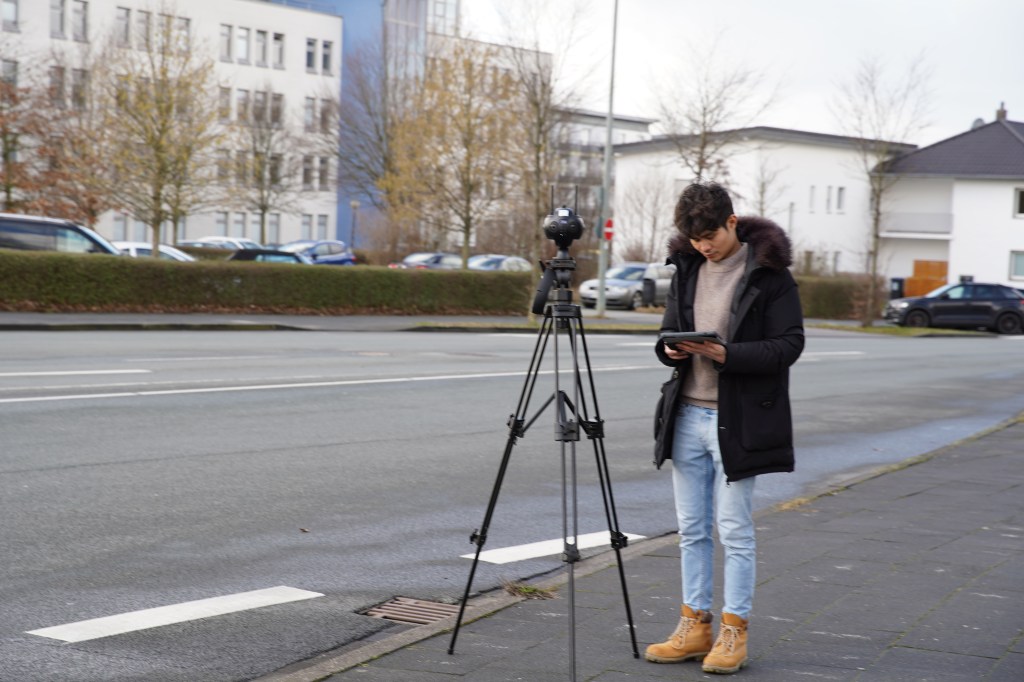
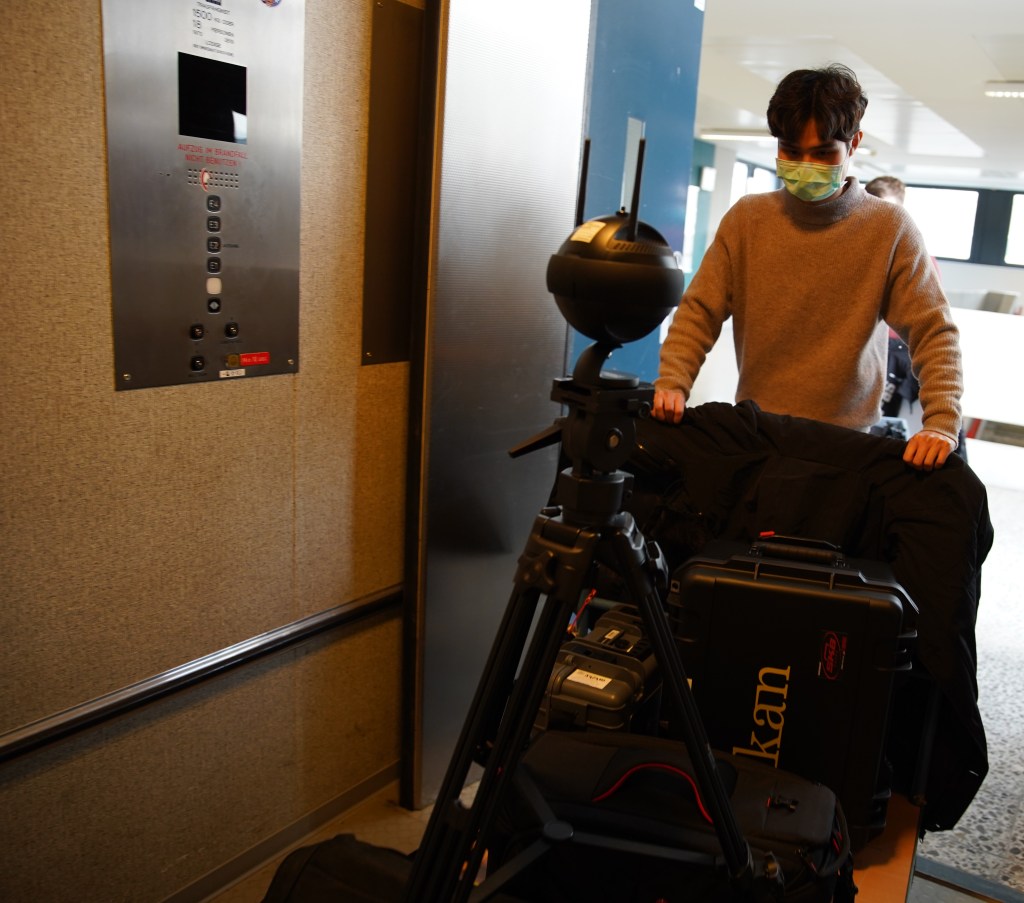
During the interview video shooting, different angles from camcorders and SLR cameras were applied to enrich watching experiences.
Design Process
Once we exported the video clips and 360-degree images. I used Photoshop to remove the tripods from the 360-degree images. Video clips were imported into Premiere Pro to trim and adjust the audio quality and noise reduction. Opening animations were downloaded from Mixkit and adjusted through After Effects. To the best-personalized learning journey in this game, I set up avatars and awards to engage the audience more.
Please watch the following demonstrations to have the first idea.
Results and Giveaways
The final learning game is going to be demonstrated on the virtual campus and will be under processing by the marketing team.
 Lin’s Digital Learning World